If you’re like me, your phone has been blowing up lately with unwanted spam and marketing calls, ranging from threats (IRS back taxes collection when you don’t owe any) to promises (circling back on loan applications that were never made, offering thousands of dollars in loans that will cost hundreds of dollars in monthly payments), to medical coverage (Medicare options for those of us lucky enough to have lived so long). Annoying, right?
Well, last week I had one evening where I received 22 calls in a 20-minute period around 9 pm. I kid you not, my phone was on fire. Since I don’t answer any numbers I don’t recognize, I kept hitting the button to deny the calls, but man was it frustrating! I couldn’t turn the volume off because my cell is my only phone and I want to be available to my family and friends. My Android, doesn’t have some of the features that iPhones do, but it does have a Block Calls option, where I block unwanted callers.
The only problem is, I had to block individual phone numbers. Well, these suckers are persistent and resourceful, changing their numbers or adding new ones to their options. Every time I blocked a number they called back under a new one. I looked for a way to block by area code, when I saw a pattern evolving, but my phone did not have that option. I was ready to go back to the dark ages and throw the phone out the window.
So, I spent some time the next day researching what options I had and discovered that the Do Not Disturb setting could be very useful! I set it up so that only people on my contact list could ring through to my phone, which also meant I didn’t need to keep adding to my hundreds of blocked calls list! Since I set that up, I’ve had NO spam or marketing calls come through! No annoying voice mails “Hey, this is Marcia from the loan department…”. I am SO happy!!
Here’s how to set it up on your Android phone, which could be a little different than mine (Moto G Play). But basically, you go to Settings – Sound – DND – turn it ON. Then you will see What Can Disturb DND – People. Here I chose for Messages – People on my Contacts List. Then for Calls, I chose – People on my Contacts list. You can also choose Starred Contacts or specific contacts. The rest go straight to voicemail. The funny thing is, if they’ve called, I haven’t found one voicemail after setting up DND. Blissful silence!
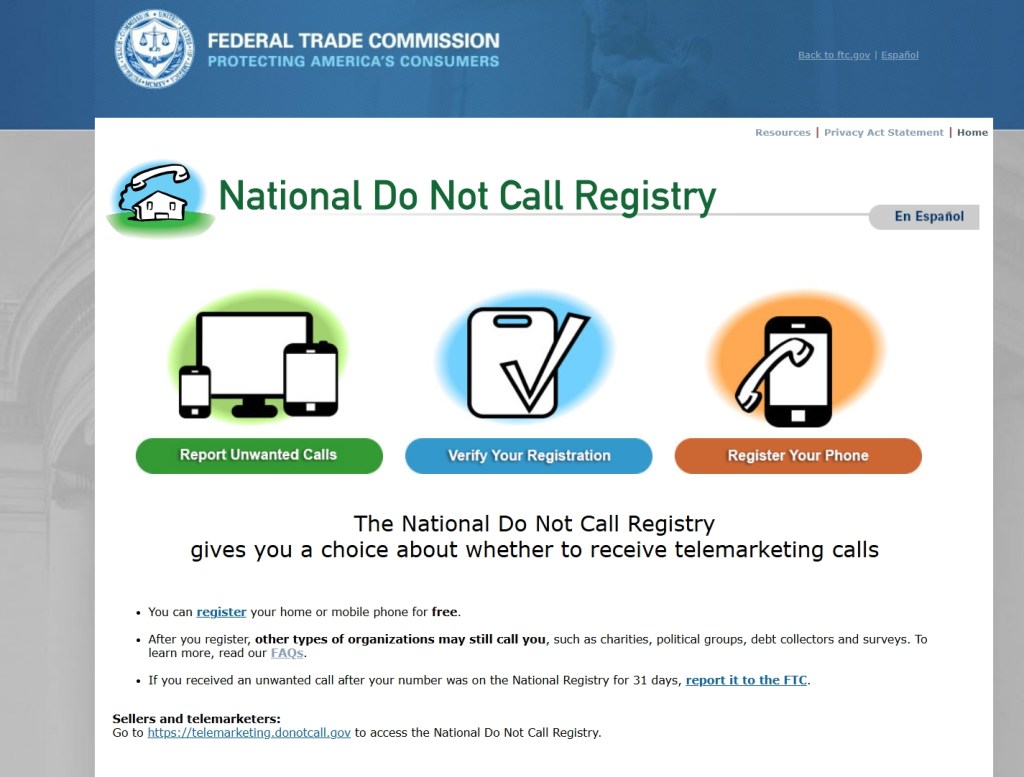
If you’ve already registered with the DNC Registry, you can check the status of your registration or enter a new phone number into their registry by going to https://www.donotcall.gov/. I had initially registered my phone in 2007, so these callers were blatantly ignoring the FTC regulations. There is also a link to file complaints. I hope this helps!
 Susan B. Lovejoy
Thank you! Mike has been getting calls from “southern Idaho” not so bad the last couple of days, but they’ll start up again! What a pain!! I hope this finds you well!!
Yahoo Mail: Search, Organize, Conquer
LikeLike
I hope it helps anyone who doesn’t have an iPhone with the area code option! I can’t believe how quiet it’s been since I made those changes!! I am well, thank you. Hope you are both well and enjoying that beautiful Florida sunshine! We are in the 30’s today, so it feels rather balmy!
LikeLike
We are well. The cold did slide down here.. new years eve was 44 degrees, wind chill in the 30s. We had 3 was of low 40s at night. 50s during the day, but we seem to be getting that now! 66 right now.
The sun does feel good… Spring is coming Sue!! Hang in there!! Hugs & love to you!!
Yahoo Mail: Search, Organize, Conquer
LikeLike